Why CNC Projects Stall A Clear Look at What Shops Miss
Introduction — a morning on the shop floor
I walked into a shop one Tuesday and watched operators juggle scrap piles, spreadsheets, and a stubborn machine that just wouldn’t hold tolerance. The next sentence is true: CNC machining solutions are often sold as plug-and-play, but the reality is messier. I’ve seen metrics that make you wince — shift yields dropping 12–20%, setup times ballooning by half a day (yes, that really happens) — and that makes me ask a simple question: why do well-funded projects still falter? My goal here is practical: we’ll look at the common traps, where toolpaths, spindle speed, and fixture choices bite you, and what to check first. I won’t drown you in jargon. Instead, I’ll share what I’ve learned on the floor, the mistakes I’d avoid if I ran the line tomorrow, and small checks that save hours. Ready? Let’s walk through the problems that actually stop progress — then we’ll talk fixes that work in real shops.

The deeper problem: what traditional systems miss
cnc automation solutions promise uptime and repeatability, but many of them ignore the day-to-day realities that create chronic failures. From my experience, two core flaws keep showing up: brittle automation logic that breaks with minor part changes, and integrations that assume perfect data (which—spoiler—rarely exists). I’ll be direct: when a program expects ideal inputs it fails fast. A servo motor hiccup, an inconsistent fixture, or a tiny G-code tweak can cascade into rejects and emergency stops. I see teams spend weeks tuning control loops while ignoring operator ergonomics — that’s backward. Look, it’s simpler than you think: check sensors, verify tool offsets, and standardize fixtures before you rewrite control software.
Why do controllers and workflows fail?
Controllers are only as smart as the inputs and the testing behind them. When shops treat integration as “install and forget,” they miss hidden errors in edge computing nodes, power converters, and networking. I’ve debugged problems where a flaky Ethernet link caused intermittent axis drift. That drift shows up as parts out of tolerance — and then everyone points fingers at the CAM toolpath. But the truth was a marginal connector. My recommendation: add basic diagnostics, log spindle current, and build quick validation routines for every new job. You’ll catch problems early rather than after a costly run. Also: involve the operator in validation. They know the machine’s quirks.
Looking ahead: principles for next-gen CNC machine automation
As we move forward, I favor principles over silver-bullet products. Modern cnc machine automation should be modular, observability-first, and tolerant of real-world variance. That means designs that accept noisy signals from spindle sensors, expect imperfect fixtures, and use graceful degradation rather than hard stops. Practically, this translates to better telemetry (simple logs of axis positions and spindle load), more robust toolpath validation, and tight version control for G-code and CAM posts. I’m cautiously optimistic — when teams adopt these principles, I’ve seen scrap drop and throughput rise without dramatic capital expense.
Implementing this looks like small, testable steps: start with a pilot line, add edge computing nodes that preprocess data, and iterate. Don’t overhaul everything at once — phase in toolpath optimization, then add predictive alarms tied to spindle current or temperature. It’s deliberate work. — funny how that works, right? The payoff is predictable cycles, less firefighting, and better operator morale because the gear behaves the way they expect.
What’s Next?
How to evaluate solutions — three practical metrics
I want to leave you with three clear metrics I use when judging a CNC automation approach. These aren’t marketing talking points; they are things you can measure on day one.
1) Mean time to detect (MTTD) faults: How quickly does the system notify you of a real issue? If it takes more than one shift cycle to notice axis drift or tool wear, you’re losing money. Measure how long from fault occurrence to alert and aim to cut that time by half.
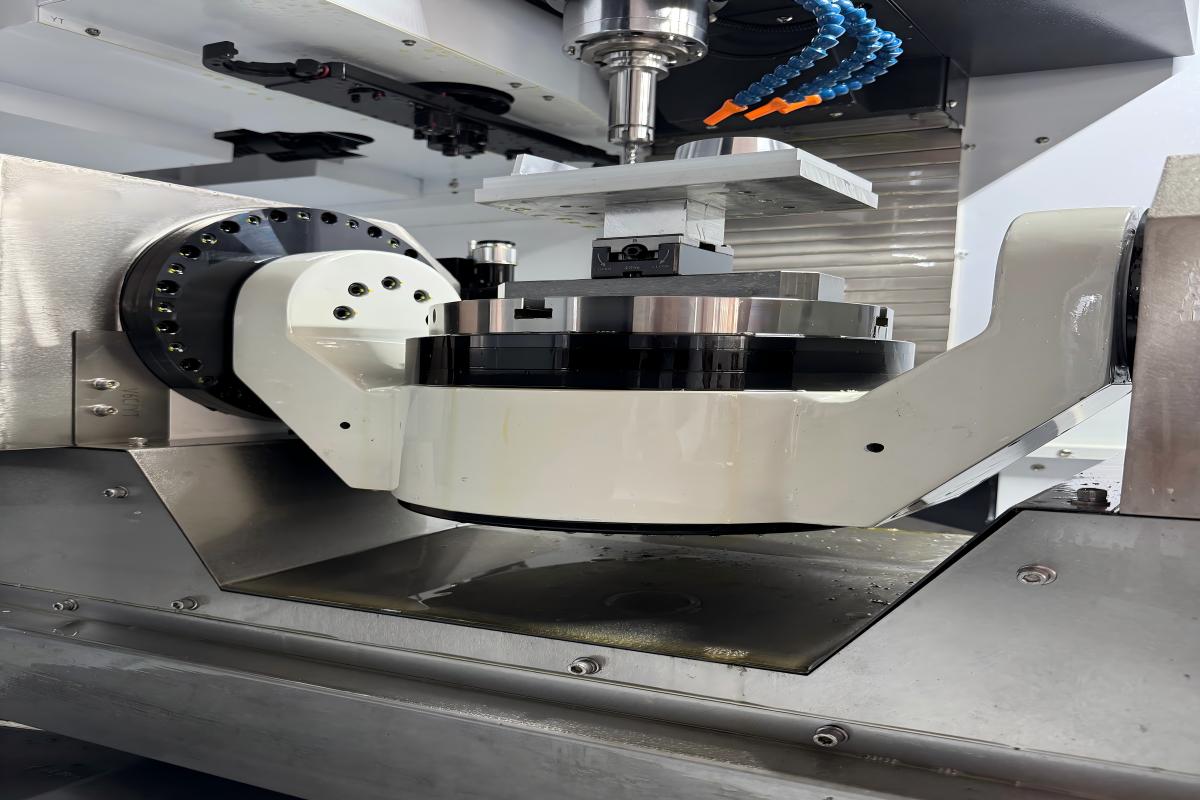
2) Job changeover time: Track how long it takes to switch fixtures, load new toolpaths, and revalidate. Good automation reduces this with standardized fixtures and simple tool offset routines. If your changeovers still need a specialist, that’s a red flag.
3) First-pass yield improvement: After implementing the solution, does first-pass yield improve within two weeks? If not, you either misapplied the tech or neglected fundamentals like tooling and fixture repeatability. Use quick A/B tests — run the same job with and without the new stack and compare scrap, cycle time, and operator steps.
Those three metrics tell you whether a vendor’s pitch is real or just shiny. I’ve been in shops where a small diagnostic box and process discipline outperformed a full-cost automation suite. We learn by doing. If you want a partner that combines hands-on troubleshooting with scalable automation, check out Leichman. I believe in realistic tech, not hype — and in doing the simple checks that actually save time and stress.